In the web designing and development industry, WordPress is the most popular choice. Its flexibility has contributed a lot to its popularity factor. Though WordPress is a great platform to use by bloggers, there are some great alternatives to it too, which may fulfill your requirements in a much better way. So here we give you a list of 10 most suitable alternatives to WordPress:
Ghost is one of the best alternatives to WordPress. Ghost is a superb blogging platform which is not interested to be a CMS, unlike WordPress. Ghost only focuses on being a blogging platform. It has a simple UI and it has been created with JavaScript. JavaScript offers Ghost better speed than PHP-based WordPress.
Movabletype is another good alternative to WordPress blogging CMS which provides plug-in and theme support just like its counterpart. The best part is it’s open source and a pro version is also offered for business use.
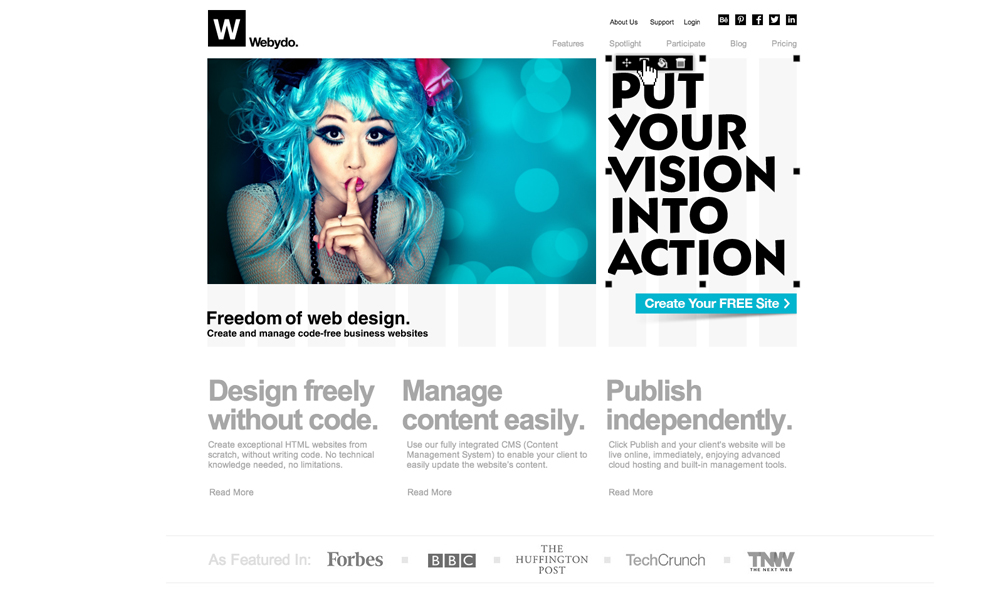
IM Creator, a website builder, is a good alternative to WordPress, and it offers mobile-friendly templates which are much better than WP templates. Template categories include wedding, hotel and restaurant, architect etc. It provides support for articles and manuals too.
Jekyll is a static site generator which takes text files and puts them together to create a static HTML site. Created by GitHub co-founder Tom Preston=Werner, Jekyll is best suited for hackers.
SilverStripe is a CMS which is used for building websites, intranets and web applications. It’s also open source and it’s free to use. SilverStripe is known for small business owners and its Framework platform also benefits a lot.
If you want a quick-managed blog then Tumblr is the best option for you. It’s a great service for a good 3rd party hosted service and it’s quite simple to use.
It’s a flat-file CMS which blends static and dynamic elements. That’s why it’s called Statamic. No relational database management system or MySQL is used in Statamic, rather it stores content in a simple directory structure using flat files. It’s one of the best CMSes in the world.
It’s open source and it supports the Google group to a large extent. It also supports forums, it has variety of plug-ins and it also supports modern themes.
If you have some suggestions of your own please let us know in comments!
Speeding up your website and content delivery should be near the top of your to-do list, with speed being a factor in ranking. A CDN (content delivery network) could help, as it will drastically reduce server lag by storing static resources on a network of fast-loading servers spread all over the world.
Choosing a CDN to fit your specific requirements is key, so it’s important to assess your budget, bandwidth needs, audience (where are the majority of your visitors based), streaming capabilities and technical support offered.
With so many options available it can be difficult to choose one, so we’ve collected 13 of the best CDN providers available, that can dramatically decrease bandwidth consumption and speed up content delivery.
1. MaxCDN
MaxCDN is a global network with SSD-loaded servers optimized for speed and the ability to create custom rules so you can determine how your CDN will run. MaxCDN’s servers are located worldwide, reaching over 90 countries, with a high peer capacity to handle any given load. You can lock down your content with secure token options, and use the REST API to integrate users, zones and other resources into your applications. There are plugins available for all major systems and platforms, including WordPress, Drupal, Magento and lots more. Using the control panel, you have complete control over your domain in real-time, with built-in SSL for security. The intelligent best-path routing constantly adjusts to sustain site speed and performance.
Pricing: Free trial and package prices available upon request
2. CloudFlare
CloudFlare protects and accelerates your website, and once it’s part of the CloudFlare community, your web traffic is routed through its global network. CloudFlare automatically optimizes the delivery of your webpages to achieve the fastest load times and best performance possible. Threats, abusive bots and crawlers are blocked from wasting your bandwidth and server resources. It’s simple to set up, and only requires a change to your DNS settings, with no hardware or software to install or maintain. CloudFlare provides analytics to give insight into all of your website’s traffic including threats and search engine crawlers. The suite of apps means you can extend the capabilities of CloudFlare on your website.
Pricing: Free to $200 per month
3. Incapsula
Incapsula is an application-aware CDN that boosts website performance by using advanced networking, dynamic caching and content optimization techniques. It secures your website against DDos attacks, and provides load balancing and failover directly from the cloud, with real-time health and monitoring notifications. It works by routing all traffic to your website or web applications and profiles it to block threats. Outgoing traffic is then accelerated and optimized, providing on average 50% faster performance and consuming 60% less bandwidth. Incapsula only takes a few minutes to set up and activate on your website, with no hardware or software to install, and you can keep your current hosting provider. It can also be turned off and on as necessary.
Pricing: Free to $299 per month
4. Edgecast
Edgecast is a distributed global network of servers built for speed, security and scalability. It handles traffic spikes, secures websites and helps accelerate the performance of web applications. You can serve both dynamic and static content from an optimal CDN location, to deliver the fastest possible speed. The analytics suite gives you constant updates on server performance, user demographics and bandwidth utilization. The network was built to deliver rich media quickly with live, on-demand streaming capabilities in Flash, Silverlight or HTTP.
Pricing: Available upon request
5. Cachefly
CacheFly CDN delivers the static objects on your website (audio, video, files, CSS) up to 10 times faster, with over 30 points of presence strategically spread worldwide near the Internet’s major peering points. These locations enable content providers to place their content closer to their audience or end users, resulting in faster, more efficient and reliable delivery of rich media content. The on-demand bandwidth prevents performance degradation or timeouts during traffic spikes. The robust platform provides full access to your files, with a simple interface for modifying files without using complicated API’s. Token-based authentication requires users to verify their identity, ensuring your website is securely protected.
Pricing: $99 per month to $409 per month
6. Amazon CloudFront
Amazon CloudFront is a CDN that integrates with other Amazon web services to provide an easy way to distribute content to end users with low latency, high data transfer speeds and no commitments. You can use your own domain name and your own SSL certificate to deliver content over HTTPS, as well as track trends in data transfers and requests. With geo restriction, you can restrict content delivery to any country. CloudFront features custom error responses, dynamic content support, live media streaming and a management console that lets you manage your CloudFront without writing any code. You can view the access logs to learn how, when, where and to whom your content is being delivered.
Pricing: Based on usage
7. Swarmify
Swarmify reduces a website’s bandwidth, loads assets efficiently and can be used with any CDN or hosting solution. It provides unlimited points of presence and hyper-local connectivity.The unique Hive Cache means the first user that arrives on a site and detects asset replacement will immediately signal the rest of the swarm to expire the previous file, making cache expiration happen virtually instantaneously. Predictive loading detects which images are most popular on your site and pre-loads them for your end users in the background. Security is important, which is why all communication between peers is encrypted. Swarmify is hosted on the Amazon EC2 platform for optimal uptime and load speed.
Pricing: Free – $99 per month
8. Google App Engine
Google App Engine lets you build and run applications on Google’s infrastructure, which is easy to maintain and scale as your traffic and data storage needs change. There are no servers to maintain as you simply upload your application and get started. Google App Engine features automatic scaling and load balancing, with persistent storage, sorting and transactions and asynchronous task queues for performing work outside the scope of a request. Your applications run in a secure environment and run reliably even with large amounts of data. Features include asynchronous task queues, automatic scaling, persistent storage, scheduled tasks and integration with other Google cloud services and APIs.
Pricing: Based on units used and quota limits
9. jsDelivr
jsDelivr is a free, open-source CDN where anyone can submit a project to host and deliver their files, including CSS, fonts, JavaScript, jQuery and more. jsDelivr is unique in that it combines the power of both MaxCDN and CloudFlare, who sponsor jsDelivr. All traffic is load balanced based on availability and performance for each individual user through Cedexis. The system gives the best possible uptime and since jsDelivr uses two CDN providers, if any of them goes down, all traffic is automatically switched to the operational CDN. All files are hosted on a push zone on NetDNA servers, and you can only access them by using whitelisted IP addresses. There are over 42 POP locations worldwide with DDOS protection, failover systems, unlimited traffic and HTTPS access.
Pricing: Free
10. CDN77
CDN77 is a content delivery network with 25 data centers available on five continents. With no DNS changes or manual configurations necessary, everything is automatic, whether you have a custom or CMS-based website. The control panel is user-friendly and intuitive and lets you manage and control everything even on the go. You can quickly modify your CDN configurations, monitor your traffic and bandwidth usage and view the status of your served files and content. The powerful API allows you to connect to your apps, view and store logs, manage your CDN and track your analytics and data. With real-time security and protection, you can share your content privately, protect files from external threats and encrypt data.
Pricing: $35 per month to $49
11. Akamai
Akamai goes beyond traditional CDN services to deliver improved website performance, with on-demand global capacity to meet peak traffic. It boasts the most pervasive, highly-distributed cloud optimization platform with over 150,00 servers in 92 countries within over 1,200 networks. With Akamai you can reduce the cost of expensive application and database infrastructure by offloading more processing to the cloud. You can secure online transactions through SSL-content protection. It delivers between 15 to 30% of all web traffic, more than two trillion interactions daily, and is trusted by companies such as Adobe, NBC and Nintendo. The Akamai intelligent platform monitors web conditions to identify, absorb and block security threats, provide instant detection and optimization and provide technical insights.
Pricing: Available upon request
12. CDNetworks
CDNetworks is a multinational CDN with infrastructure in China, Russia, Asia and other emerging markets, with cloud-based DNS and storage and global load balancing to ensure fast, reliable delivery of web content. With more than 140 points of presence in 91 cities it maximizes scalability and performance. Features include Cloud DNS, Cloud Load Balancer and Cloud Storage, with real-time intelligence. The dynamic web acceleration service provides on-demand application performance enhancement to quickly and reliably deliver applications and dynamic content from cloud or centralized infrastructure to your users around the world. Application response time is accelerated, which means no delays, as site content appears instantly.
Pricing: Available upon request
13. Limelight
Limelight Orchestrate Content Delivery is one of the world’s largest private CDNs and optimizes delivery for multiple HTTP and streaming protocols, while security services like geo-blocking, DRM and tokenized authentication protect your content. You can easily customize configurations through an online control portal and reduce latency and processing overload, as well as set logical rules to control where, when and how your content is delivered. Limelight detects the conditions of your end users’ environment, from browser to bandwidth, and adjusts the content delivery on the fly for optimum performance. The analytics features give you access to valuable insights on objects, bandwidth, storage and more.
A popular torrent file sharing website ‘The Pirate bay‘ which was shut down on December 9 after a raid by Swedish authorities, is making a come back as the domain is now working and showing a waving pirate flag.
After nearly two weeks of downtime ThePirateBay.se domain is showing signs of life. Though, ThePirateBay.se is only showing a waving pirate flag on whole webpage, but that’s good to give many Pirate Bay users hope for a full recovery.
The Webpage is also showing a clock/timer counting the time that’s passed since the raid by Swedish authorities.
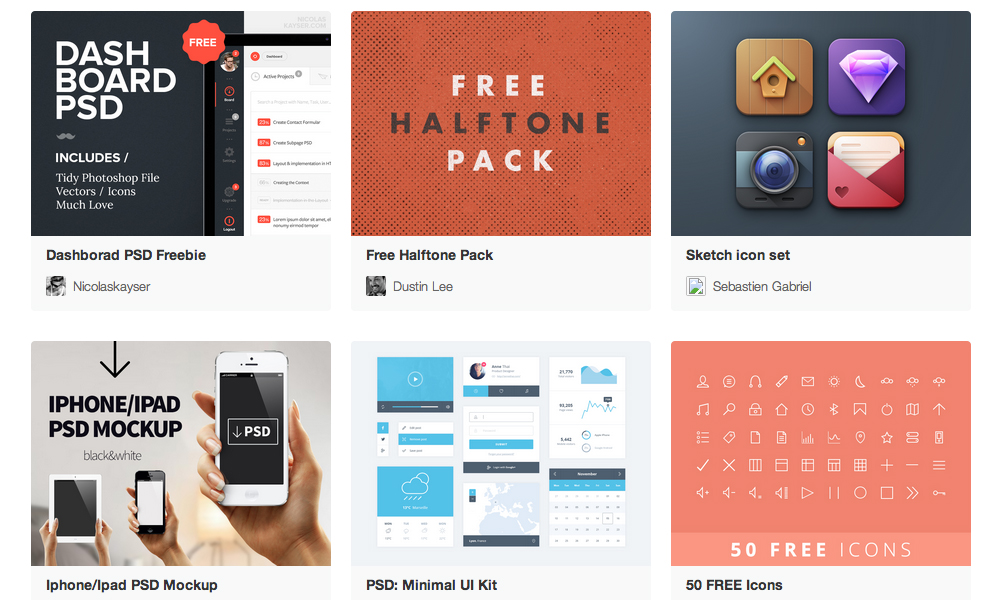
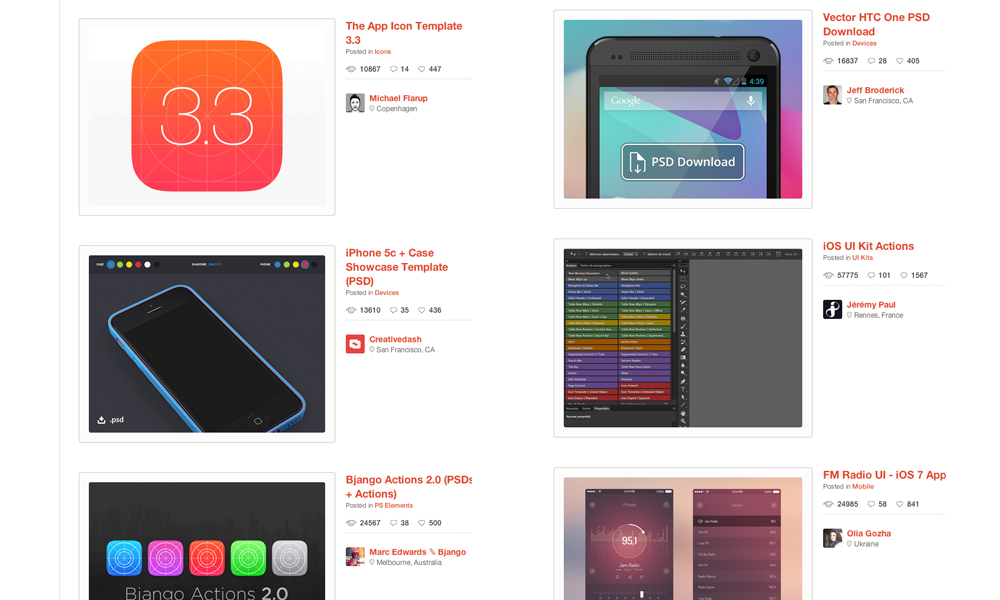
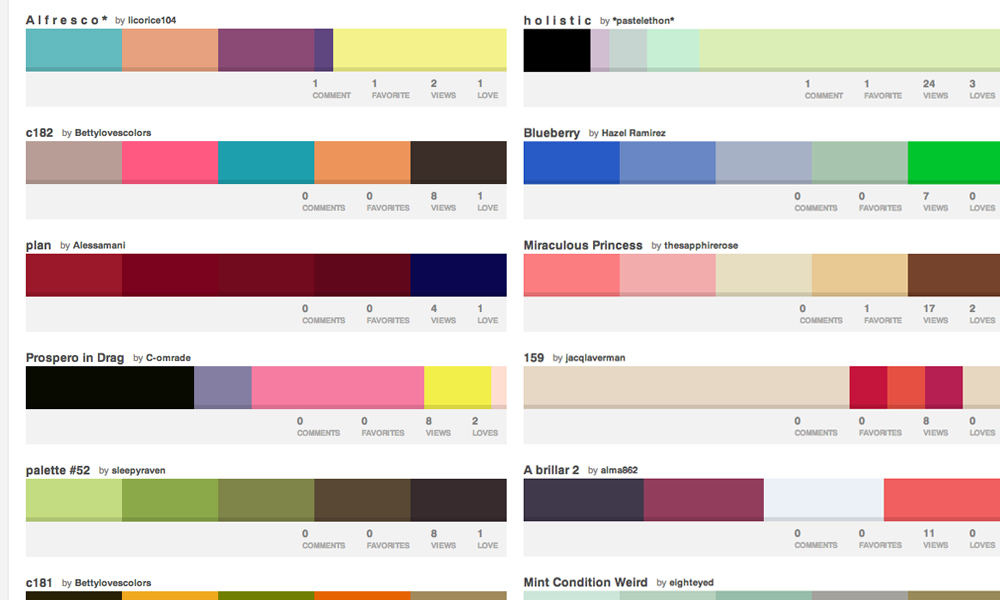
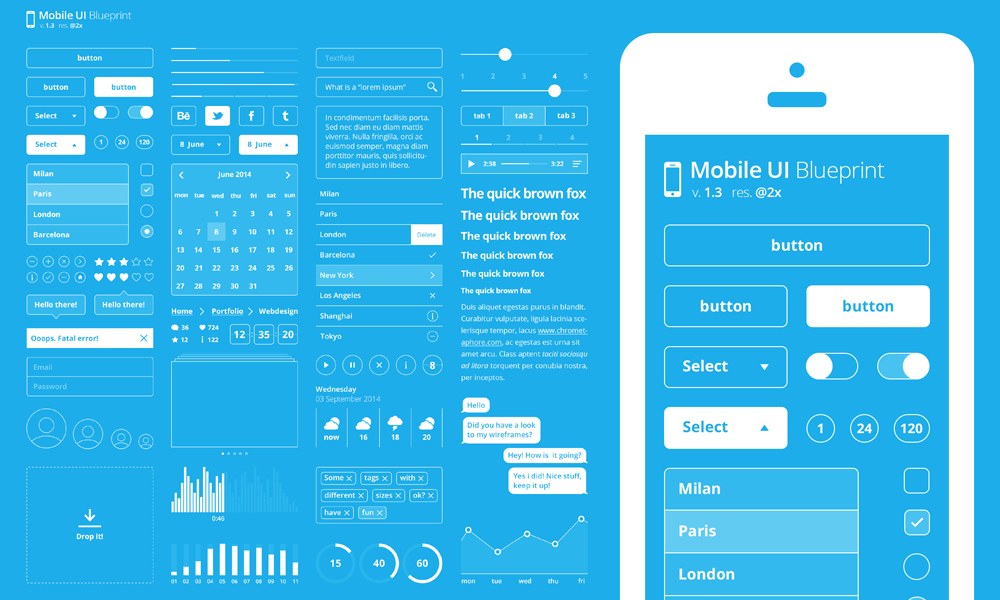
Ever wondered where designers get their resources to help them succeed with a project? Here is a list of great resources including sites, PSD. files, actions, UI elements, mock ups, et cetera. Best of all, they are totally free and available for you to download.
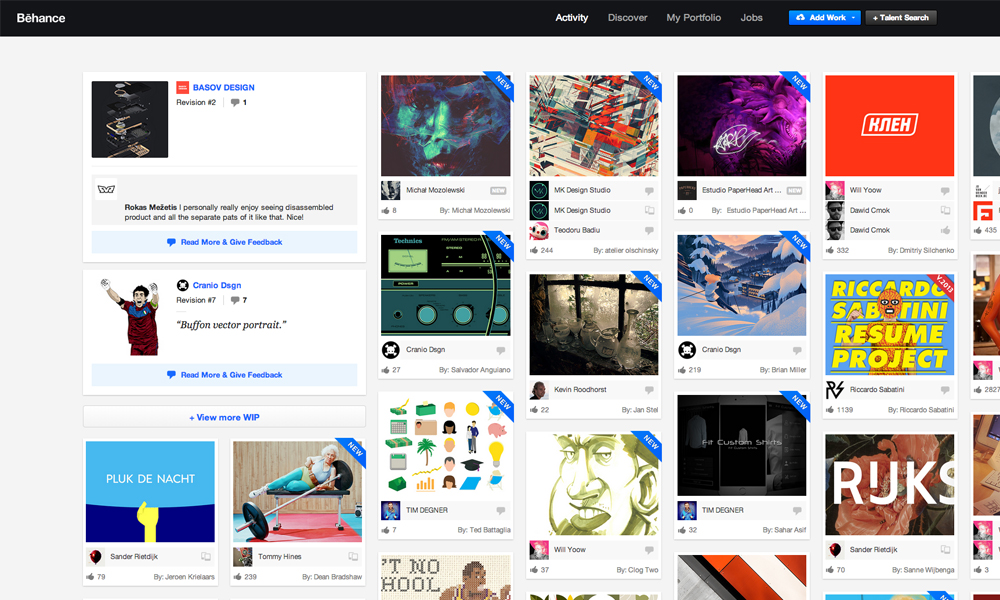
Many of us struggle when posting a project at Behance. How do we get it to make it look right? First of all, read this article – then download this nifty background template.
Often we experience banding when working with gradients within Photoshop. With this action, you can say farewell to them and make gradients look more smooth.
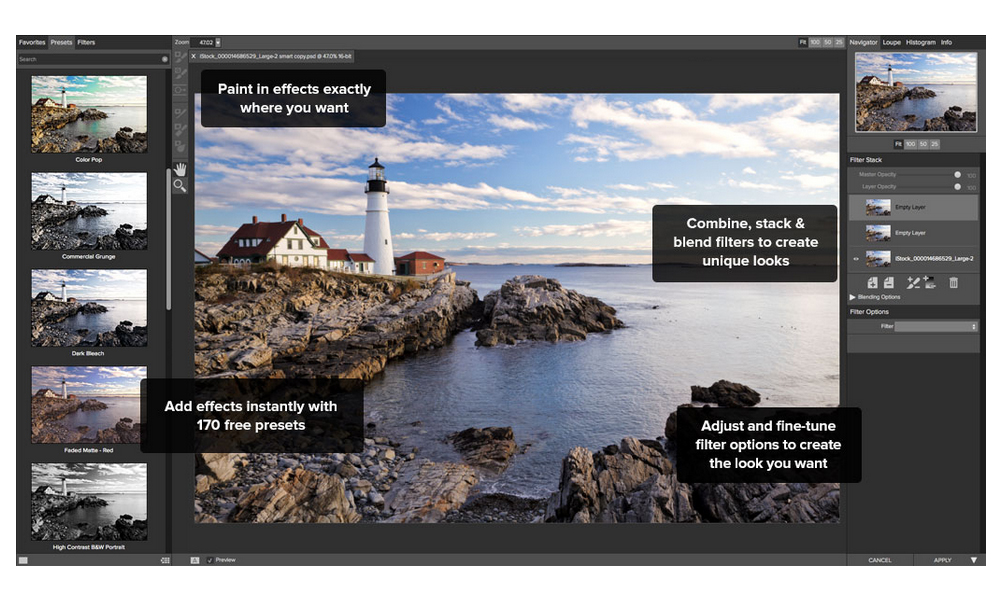
Designed specifically for photographers. With Perfect Effects 3, you’ll find intuitive and powerful tools that make it easy to add effects that can be difficult or time-consuming to create in Photoshop, Lightroom, Photoshop Elements or Aperture.
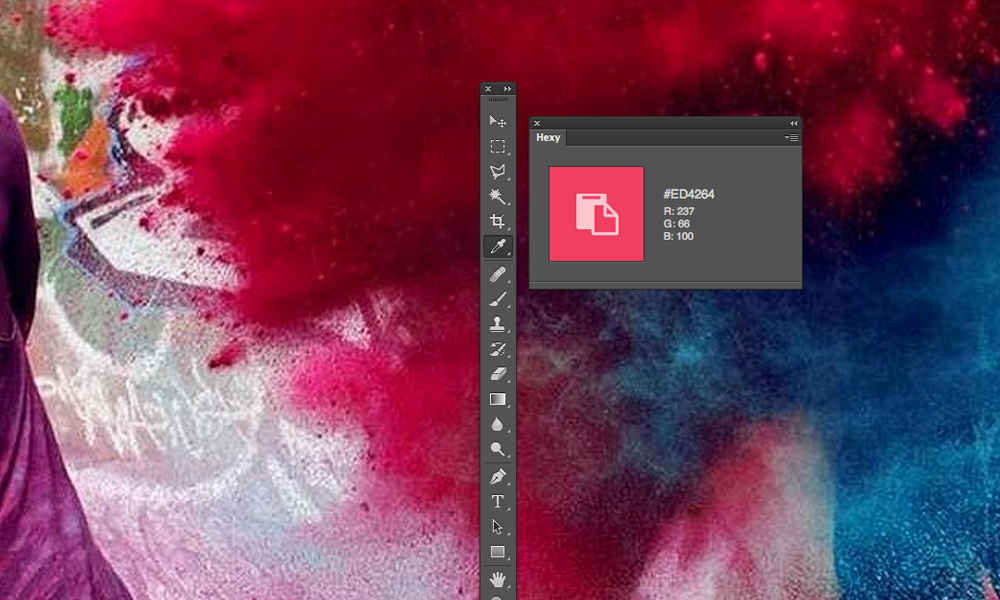
It’s a pain to have to select layers, highlight pieces of text and open the Color Picker to simply grab the hex value of a particular color. Hexy allows you to use the Eyedropper tool to simply click on the color of the object you’re after and copies it directly to your clipboard.
Size Marks is a helpful Photoshop script for Web designers and front-end engineers. This script converts rectangular marquee to labeled measurement mark.
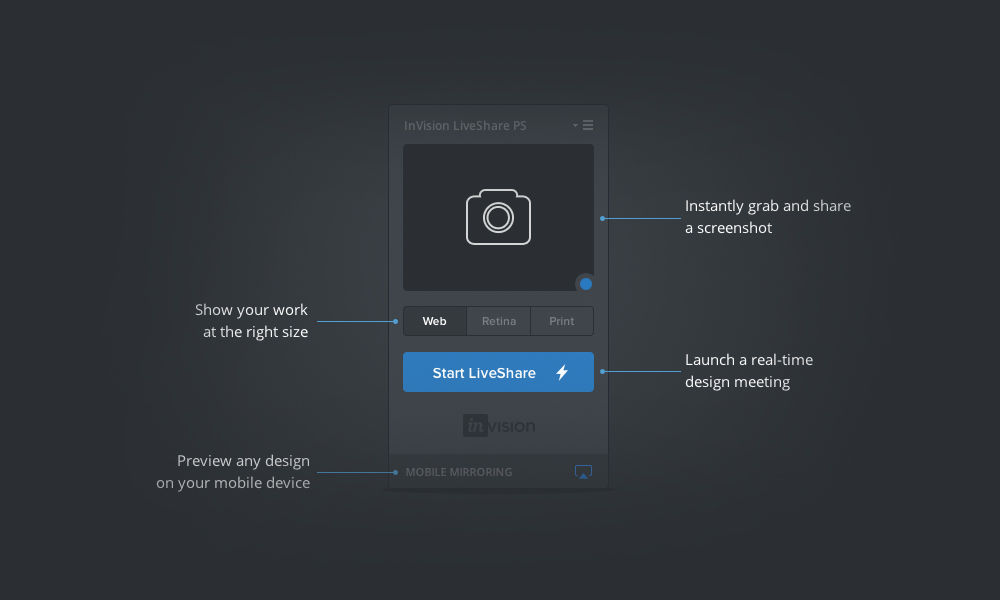
With LiveShare PS you can now broadcast any Photoshop document to as many people as you want through an instant LiveShare meeting. If you make a change to your Photoshop document, the tool will instantly see your changes in the LiveShare meeting—you don’t even have to hit the save button!
Met this guy while we both were a speaker at OFFF 2010 – he’s a friendly and talented artist. His site is an inspiration for many 3D artists and full of wonderful tutorials.
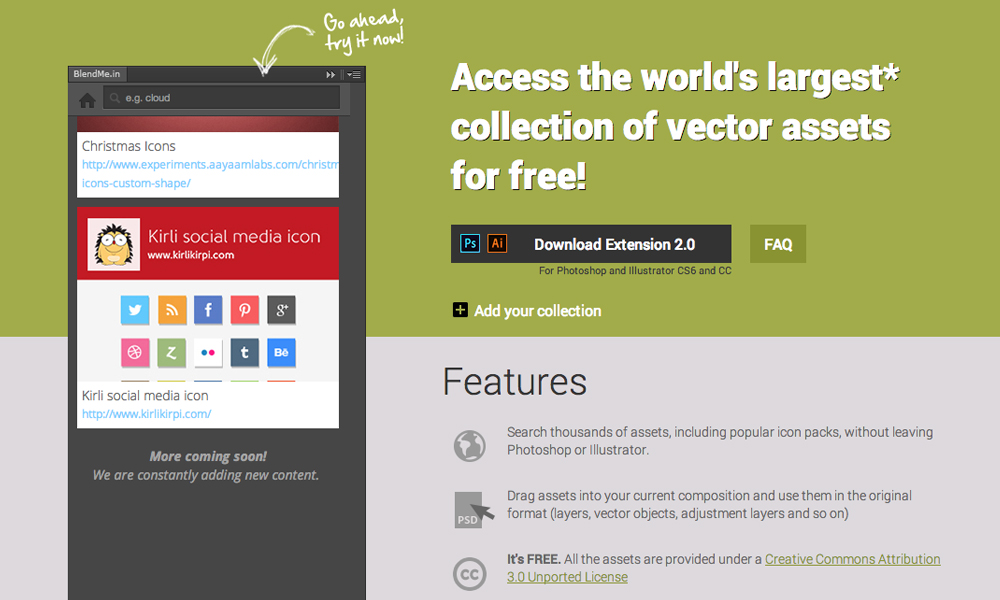
This extension for Adobe Photoshop and Illustrator searches thousands of assets, including popular icon packs, without having you to leave Photoshop or Illustrator.
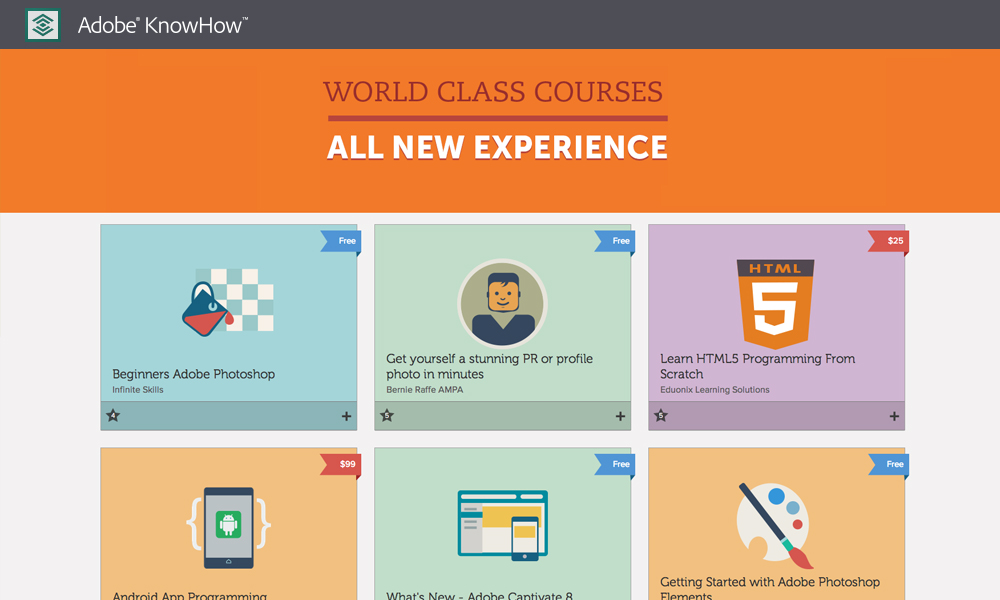
A great site offering you free tutorials for several programs for you to learn. For beginners, but also for the professionals. You can never know enough.

















 Techiax